
What it is
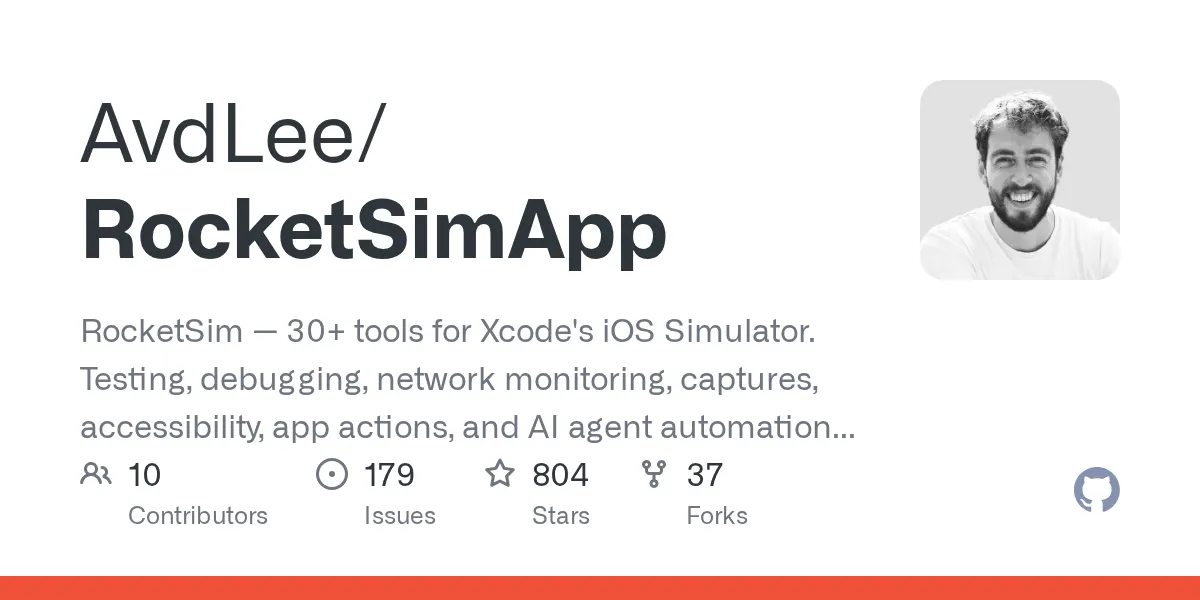
RocketSim is a tool that enhances the iOS Simulator with features for testing, debugging, captures, accessibility, and app actions. This repository's README describes the product and points to the RocketSim CLI and a bundled agent skill that lets AI coding tools inspect and interact with the Simulator. The agent skill now lives in its own repository, and the product is available on the Mac App Store.
Who it's for
- iOS developers who want faster Simulator workflows
- Developers who want AI coding agents to navigate and test iOS Simulator apps
- Developers who need to capture screenshots and recordings with less manual work
- Developers auditing accessibility in the visible screen
Requirements
Requirements
- The RocketSim app installed on your machine (the agent skill detects the installed RocketSim version and uses the matching CLI)
Pros & cons
Pros
- Pro:Covers many Simulator workflows: testing, debugging, captures, accessibility and app actions
- Pro:The agent skill lets AI tools read visible accessibility elements before tapping, typing or swiping, instead of relying on brittle automation
- Pro:The skill uses the RocketSim version already installed on your machine
Cons
- Con:This README has no installation commands or usage examples; the agent skill's install instructions are in a separate repository
- Con:Agent automation depends on RocketSim being installed, since the skill uses the matching installed CLI
Images
Related
affaan-m/ECC
The agent harness performance optimization system. Skills, instincts, memory, security, and research-first development for Claude Code, Codex, Opencode, Cursor and beyond.
kossakovsky/selfhost-ai
One-command installer for a self-hosted AI stack on your own server: n8n, Ollama, Open WebUI, OpenClaw, Dify, Flowise, Supabase, ComfyUI, Qdrant & 30+ tools. Docker Compose, automatic HTTPS via Caddy, built-in monitoring. Free Zapier/Make alternative.

firecrawl/firecrawl
Supercharge your AI agents with data from the web and beyond. Building the library for superintelligence. 🔥

DietrichGebert/ponytail
Makes your AI agent think like the laziest senior dev in the room. The best code is the code you never wrote.


farion1231/cc-switch
A cross-platform desktop All-in-One assistant for Claude Code, Codex, OpenCode, OpenClaw, Grok Build & Hermes Agent. Only official website: ccswitch.io