
What it is
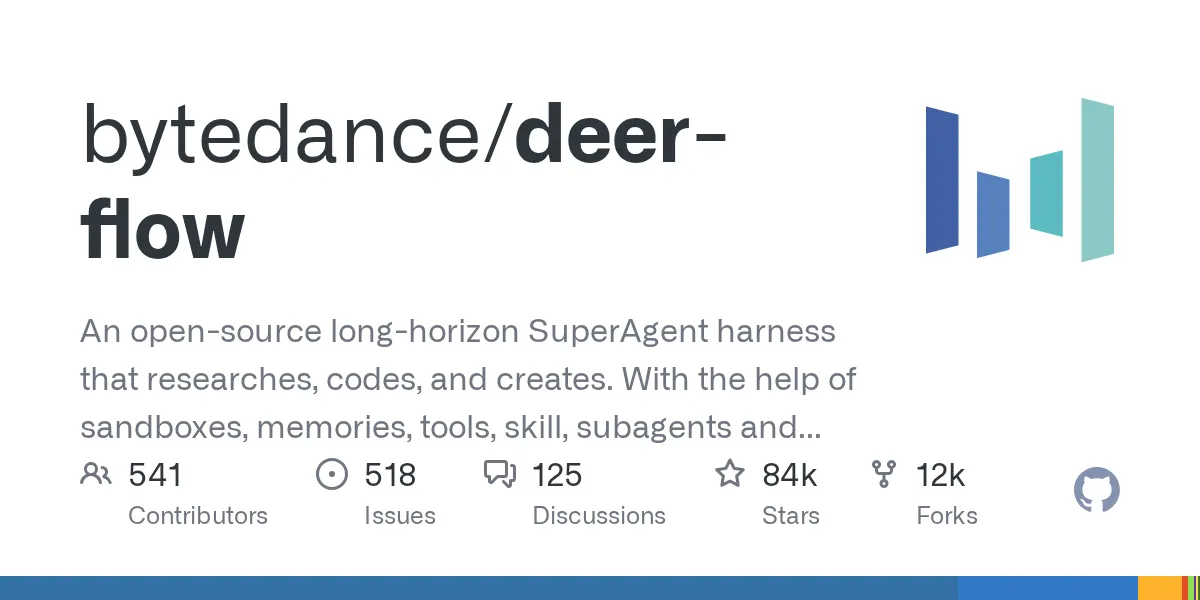
DeerFlow (Deep Exploration and Efficient Research Flow) 2.0 is an open-source super agent harness that orchestrates sub-agents, memory, and sandboxes, powered by extensible skills. It is a ground-up rewrite that shares no code with v1, which remains on the 1.x branch. Setup is handled through a make setup wizard that generates a minimal config.yaml and writes keys to .env.
Who it's for
- Developers who want a self-hosted agent harness with sub-agents, sandboxes, memory and skills
- Teams that need to configure multiple LLM providers (OpenAI-compatible, OpenRouter, vLLM, Codex CLI, Claude Code OAuth)
- Users who want a coding agent such as Claude Code, Codex, Cursor or Windsurf to bootstrap the install for them
Requirements
Requirements
- Python 3.12+ (per README badge)
- Node.js 22+ (per README badge)
- An LLM provider and API key, configured via the setup wizard or
config.yaml - Docker is the recommended way to run the application
Setup
Clone the repository
Clone DeerFlow and enter the project directory.
bashgit clone https://github.com/bytedance/deer-flow.git cd deer-flowRun the setup wizard
From the project root, launch the interactive wizard. It guides you through choosing an LLM provider, optional web search, and execution/safety preferences such as sandbox mode, bash access, and file-write tools. It generates a minimal
config.yamland writes your keys to.env, and takes about 2 minutes.bashmake setupVerify your setup
Run
make doctorat any time to verify your setup and get actionable fix hints.bashmake doctorManual configuration (optional)
To edit
config.yamldirectly, copy the full template instead of using the wizard. Seeconfig.example.yamlfor the complete reference.bashmake config
Examples
Hand setup to a coding agent
PromptHelp me clone DeerFlow if needed, then bootstrap it for local development by following https://raw.githubusercontent.com/bytedance/deer-flow/main/Install.mdExpected output: A one-sentence prompt for Claude Code, Codex, Cursor, Windsurf or similar. The agent clones the repo if needed, chooses Docker when available, and stops with the exact next command and any missing config.
OpenAI model in config.yaml
yamlmodels:
- name: gpt-4o
display_name: GPT-4o
use: langchain_openai:ChatOpenAI
model: gpt-4o
api_key: $OPENAI_API_KEYWhat it does: A manual model entry using langchain_openai:ChatOpenAI with the API key read from an environment variable.
OpenRouter via OpenAI-compatible gateway
yamlmodels:
- name: openrouter-gemini-2.5-flash
display_name: Gemini 2.5 Flash (OpenRouter)
use: langchain_openai:ChatOpenAI
model: google/gemini-2.5-flash-preview
api_key: $OPENROUTER_API_KEY
base_url: https://openrouter.ai/api/v1What it does: OpenRouter and similar gateways are configured with langchain_openai:ChatOpenAI plus base_url.
Claude Code OAuth provider
yamlmodels:
- name: claude-sonnet-4.6
display_name: Claude Sonnet 4.6 (Claude Code OAuth)
use: deerflow.models.claude_provider:ClaudeChatModel
model: claude-sonnet-4-6
max_tokens: 4096
supports_thinking: trueWhat it does: A CLI-backed provider example. Claude Code credentials are accepted through CLAUDE_CODE_OAUTH_TOKEN, ANTHROPIC_AUTH_TOKEN, CLAUDE_CODE_CREDENTIALS_PATH, or ~/.claude/.credentials.json.
Live DeepSeek provider tests
bashDEER_FLOW_RUN_LIVE_TESTS=1 uv run --no-sync pytest tests/test_managed_deepseek_live.py -qWhat it does: Opt-in tests run from backend/ with DEEPSEEK_TEST_API_KEY set. They send short requests to DeepSeek and may incur charges.
Pros & cons
Pros
- Pro:Interactive
make setupwizard generatesconfig.yamland.env, withmake doctorfor checking the setup - Pro:Broad model support: OpenAI-compatible endpoints, OpenRouter, Responses API, vLLM, Codex CLI and Claude Code OAuth
- Pro:Administrators can add, edit, test and enable or disable shared OpenAI-compatible models in Settings → Models without editing
config.yaml - Pro:Built-in diagnostics via
make support-bundleproduce redacted issue summaries without.envor raw conversation messages
Cons
- Con:DeerFlow 2.0 shares no code with v1, so users of the original Deep Research framework must stay on the
1.xbranch - Con:The README includes a Security Notice warning that improper deployment may introduce security risks and that Gateway admin is equivalent to code execution
- Con:Some provider-specific settings, such as third-party DeepSeek proxies and advanced reasoning options, remain YAML-configured only
Images
Related
google-gemini/gemini-cli
An open-source AI agent that brings the power of Gemini directly into your terminal.

lobehub/lobehub
🤯 LobeHub is your Chief Agent Operator, organizing your agents into 7×24 operations by hiring, scheduling, and reporting on your entire AI team.

OpenMontageInc/OpenMontage
World's first open-source, agentic video production system. 12 production pipelines, 100+ tools, 700+ agent skill and production-knowledge files. Turn your AI coding assistant into a full video production studio.