
What it is
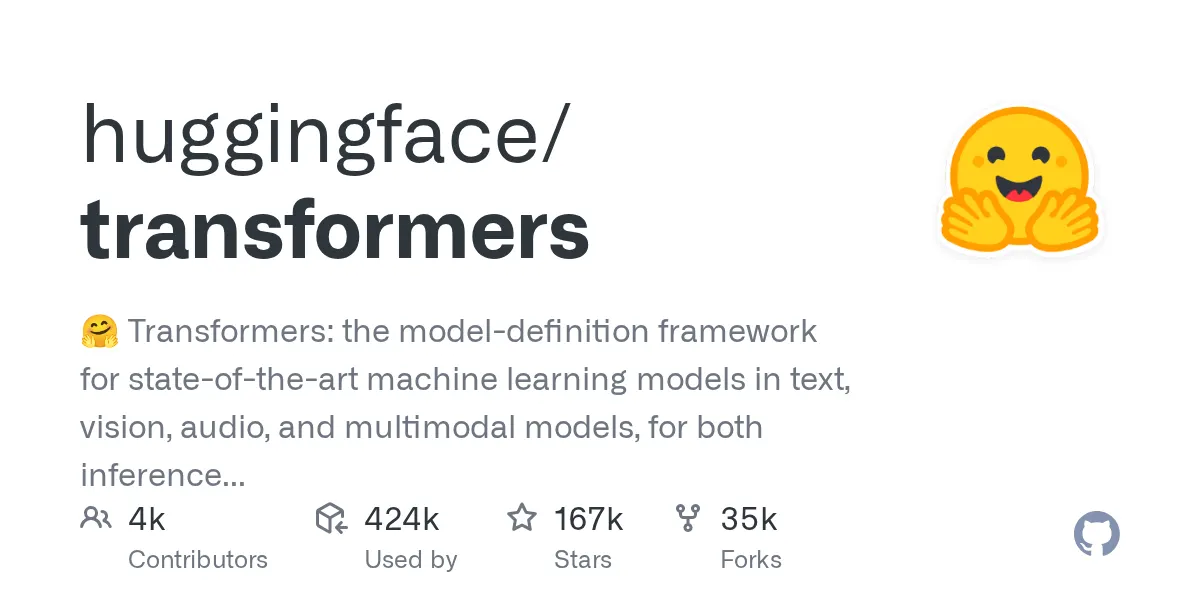
Transformers is the model-definition framework for state-of-the-art machine learning with text, computer vision, audio, video, and multimodal models, for both inference and training. It centralizes model definitions so they are agreed upon across the ecosystem, and supported models are compatible with most training frameworks, inference engines and adjacent modeling libraries. It offers a high-level Pipeline API for quick inference, plus over 1M+ model checkpoints on the Hugging Face Hub.
Who it's for
- Researchers who want to iterate quickly on model files without extra abstractions
- Engineers and developers who want a unified API for pretrained models across modalities
- Developers who want to run inference or fine-tune models shared on the Hugging Face Hub
Requirements
Requirements
- Python 3.10+
- PyTorch 2.6+
- A virtual environment (venv or uv) is recommended
Setup
Create and activate a virtual environment
Use venv or uv to create and activate a virtual environment.
bash# venv python -m venv .my-env source .my-env/bin/activate # uv uv venv .my-env source .my-env/bin/activateInstall Transformers
Install Transformers with the torch extra in your virtual environment.
bash# pip pip install "transformers[torch]" # uv uv pip install "transformers[torch]"Install from source (optional)
For the latest changes or to contribute. The latest version may not be stable.
bashgit clone https://github.com/huggingface/transformers.git cd transformers # pip pip install '.[torch]' # uv uv pip install '.[torch]'
Examples
Text generation with Pipeline
pyfrom transformers import pipeline
pipeline = pipeline(task="text-generation", model="Qwen/Qwen2.5-1.5B")
pipeline("the secret to baking a really good cake is ")What it does: Instantiates a text-generation pipeline. The model is downloaded and cached for reuse, then prompted with text.
Chat with a model
pyimport torch
from transformers import pipeline
chat = [
{"role": "system", "content": "You are a sassy, wise-cracking robot as imagined by Hollywood circa 1986."},
{"role": "user", "content": "Hey, can you tell me any fun things to do in New York?"}
]
pipeline = pipeline(task="text-generation", model="meta-llama/Meta-Llama-3-8B-Instruct", dtype=torch.bfloat16, device_map="auto")
response = pipeline(chat, max_new_tokens=512)
print(response[0]["generated_text"][-1]["content"])What it does: Same pipeline usage, but the input is a chat history of system and user messages.
Automatic speech recognition
pyfrom transformers import pipeline
pipeline = pipeline(task="automatic-speech-recognition", model="openai/whisper-large-v3")
pipeline("https://huggingface.co/datasets/Narsil/asr_dummy/resolve/main/mlk.flac")What it does: Transcribes an audio file from a URL using a Whisper model.
Image classification
pyfrom transformers import pipeline
pipeline = pipeline(task="image-classification", model="facebook/dinov2-small-imagenet1k-1-layer")
pipeline("https://huggingface.co/datasets/Narsil/image_dummy/raw/main/parrots.png")What it does: Classifies an image and returns labels with scores.
Chat from the command line
shelltransformers chat Qwen/Qwen2.5-0.5B-InstructWhat it does: Chats with a model directly from the command line, as long as transformers serve is running.
Pros & cons
Pros
- Pro:Unified API and Pipeline class cover text, audio, vision and multimodal tasks
- Pro:Over 1M+ pretrained checkpoints available on the Hugging Face Hub
- Pro:Model definitions are compatible with many training frameworks, inference engines and modeling libraries
- Pro:Few user-facing abstractions, with model internals exposed consistently and model files usable independently
Cons
- Con:Not a modular toolbox of neural-net building blocks; model files intentionally avoid extra abstractions
- Con:Training API is optimized for PyTorch models provided by Transformers; generic ML loops should use another library such as Accelerate
- Con:Example scripts are only examples and may need adapting for your use case
Images
Related

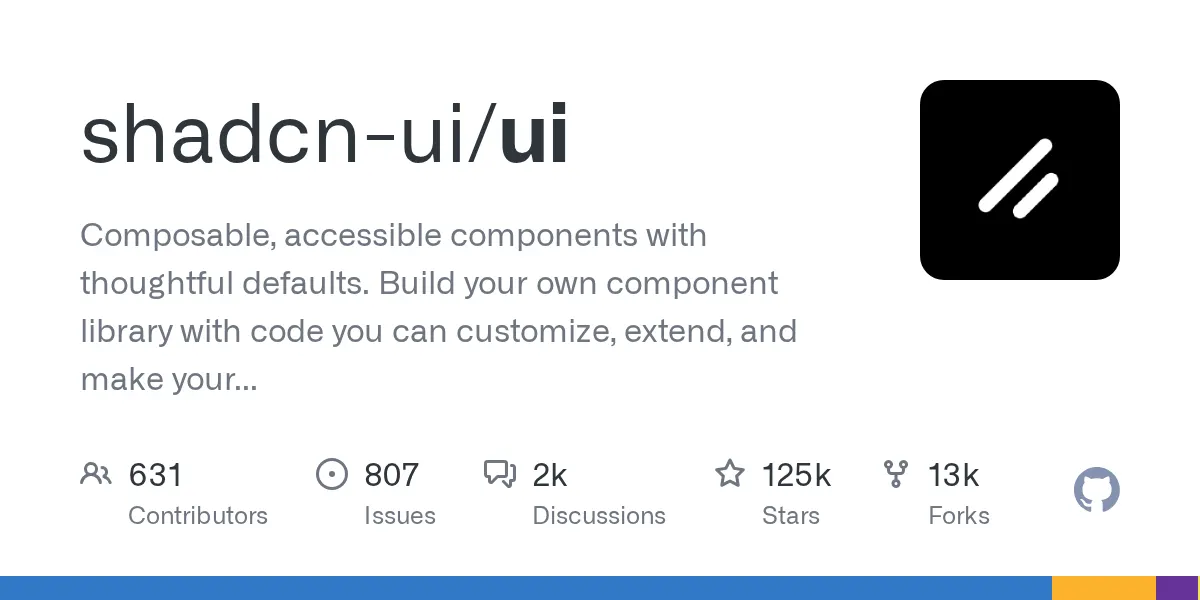
shadcn-ui/ui
Composable, accessible components with thoughtful defaults. Build your own component library with code you can customize, extend, and make your own.

D4Vinci/Scrapling
🕷️ An adaptive Web Scraping framework that handles everything from a single request to a full-scale crawl! Don't be shy, join here: https://discord.gg/EMgGbDceNQ and follow here for daily tips and tricks: https://x.com/Scrapling_dev

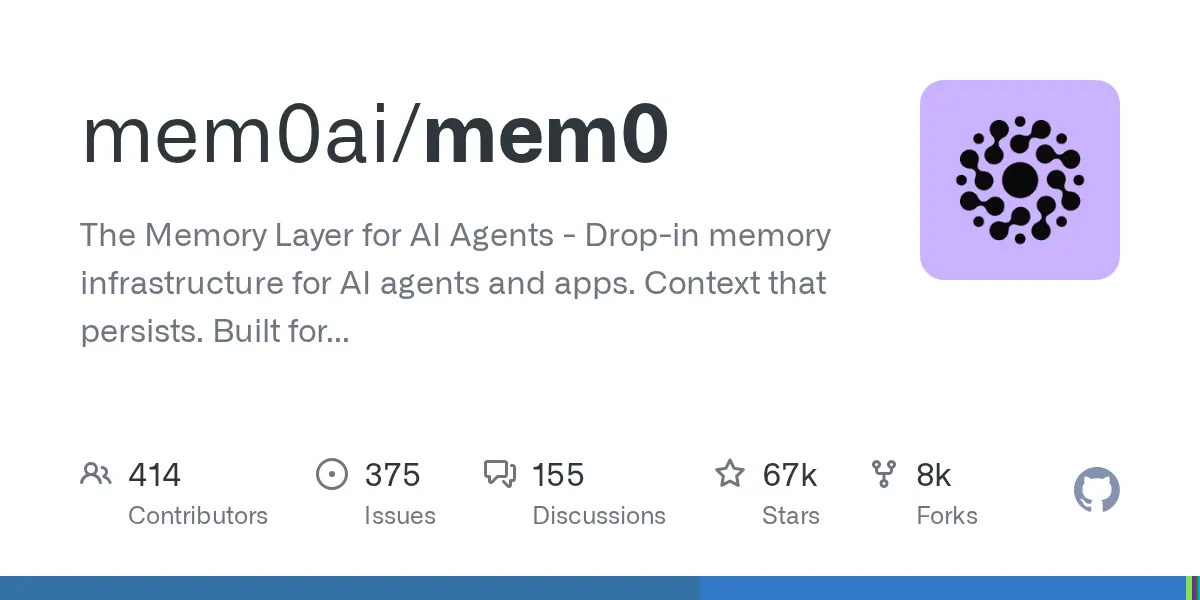
mem0ai/mem0
The Memory Layer for AI Agents - Drop-in memory infrastructure for AI agents and apps. Context that persists. Built for production.

omnigent-ai/omnigent
Omnigent is an open-source AI agent framework and meta-harness: orchestrate Claude Code, Codex, Cursor, Pi, and custom agents — swap harnesses without rewriting, enforce policies and sandboxing, and collaborate in real time from any device.