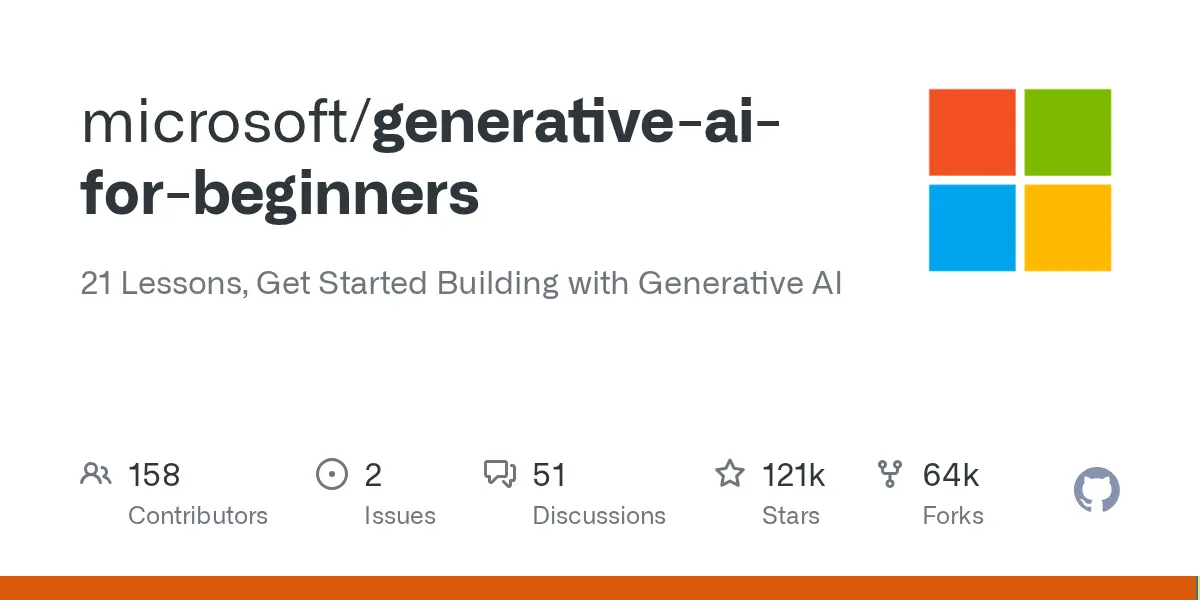
What it is
Awesome LLM Apps is a repository of 100+ hand-built, open-source AI agents, agent skills, and RAG apps, licensed Apache-2.0. Templates are organized by category: Agent Skills, Starter AI Agents, Advanced AI Agents, Always-on Agents, Multi-agent Teams, Voice AI Agents, Generative UI, Game-Playing Agents, MCP Agents, RAG, Browser Tools, Memory, Chat with X, Optimization Tools and Fine-tuning. It is stated to work with Claude, Gemini, GPT, DeepSeek, Llama, Qwen and other open-source models.
Who it's for
- Developers looking for ready-made LLM agent and RAG templates to clone and adapt
- Users of coding agents (Claude Code, Codex, Cursor) who want installable agent skills
- Learners who want starter single-file agents that run with just an API key
Requirements
Requirements
- Python and pip (for the starter agent example, which uses requirements.txt and Streamlit)
- Node/npx (for installing agent skills with the npx skills command)
- An API key for the starter agents (described as running with just an API key); some RAG apps are described as local with no API keys required
Setup
Install an agent skill
Give your coding agent a new skill (Project Graveyard) with one command, then ask it a question such as "why do I never finish my side projects?"
bashnpx skills add https://github.com/Shubhamsaboo/awesome-llm-apps/tree/main/agent_skills/project-graveyardClone and run a starter agent
Clone the repo, install the travel agent's requirements, and launch it with Streamlit.
bashgit clone https://github.com/Shubhamsaboo/awesome-llm-apps.git cd awesome-llm-apps/starter_ai_agents/ai_travel_agent pip install -r requirements.txt streamlit run travel_agent.py
Examples
Add the Project Graveyard skill
bashnpx skills add https://github.com/Shubhamsaboo/awesome-llm-apps/tree/main/agent_skills/project-graveyardWhat it does: Installs an agent skill into your coding agent in one command.
Prompt for the Project Graveyard skill
Promptwhy do I never finish my side projects?Expected output: The README's suggested prompt after installing the skill; the skill finds abandoned side projects and explains why each died.
Run the AI Travel Agent
bashgit clone https://github.com/Shubhamsaboo/awesome-llm-apps.git
cd awesome-llm-apps/starter_ai_agents/ai_travel_agent
pip install -r requirements.txt
streamlit run travel_agent.pyWhat it does: Clones the repo and runs a starter agent that produces personalized day-by-day travel itineraries.
Pros & cons
Pros
- Pro:Very broad coverage: skills, starter and advanced agents, multi-agent teams, voice, MCP, RAG, memory and fine-tuning
- Pro:Apache-2.0 licensed and free, with the stated aim that you can clone and ship
- Pro:Agent skills install with one command and are stated to pass a security + eval CI gate
- Pro:Includes local/offline options such as Local RAG Agent (Llama 3.2 and Qdrant, no API keys required)
Cons
- Con:Each app is a separate template, so setup and dependencies vary by project; only one run example is shown in the README
- Con:Many apps depend on external model providers or services (e.g. Gemini, OpenAI, Firecrawl), implying API keys are needed
- Con:Some listed items are external links to other repositories rather than apps in this repo
Images
Related

dair-ai/Prompt-Engineering-Guide
🐙 Guides, papers, lessons, notebooks and resources for prompt engineering, context engineering, RAG, and AI Agents.
aishwaryanr/awesome-generative-ai-guide
A one stop repository for generative AI research updates, interview resources, notebooks and much more!

f/prompts.chat
f.k.a. Awesome ChatGPT Prompts. Share, discover, and collect prompts from the community. Free and open source — self-host for your organization with complete privacy.
langgenius/dify
Build Agentic workflows, RAG pipelines, with rich AI model and tool support on one collaborative workspace. Deploy on cloud, VPC, or self-hosted, so teams move from prototype to production without rebuilding the stack.