
What it is
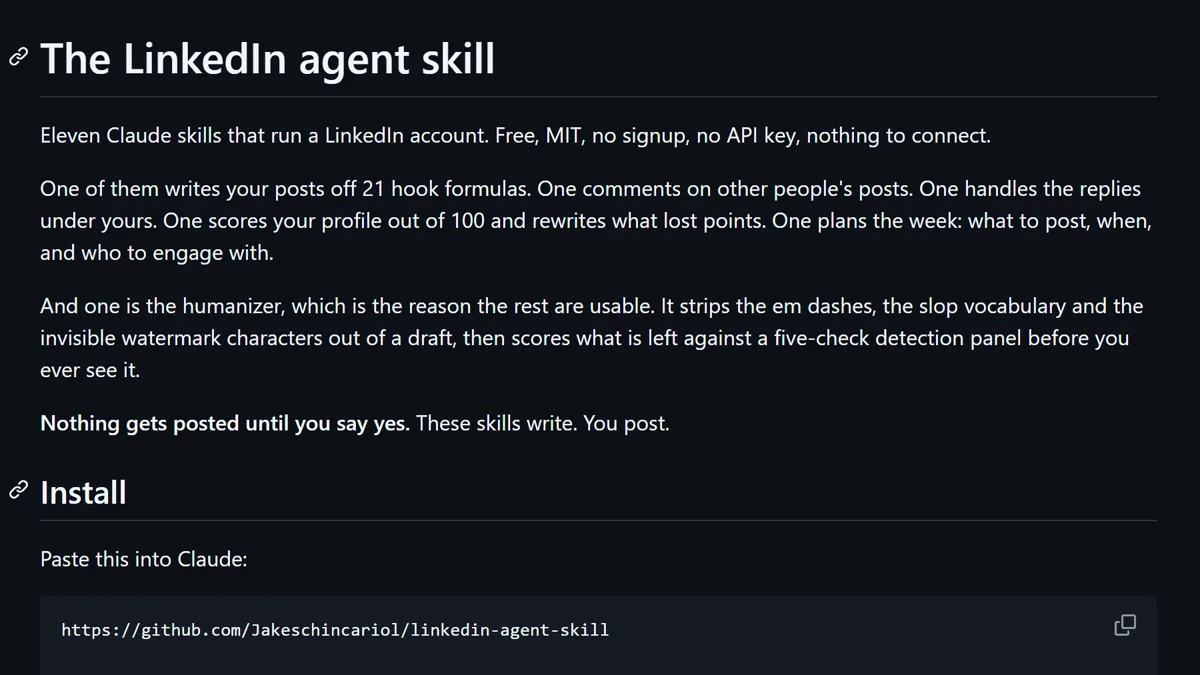
Made by Jake Schincariol, the pack adds slash commands to Claude Code. /li-post turns one idea into a post: three hook options from 21 formulas, one full draft. /li-comment writes comments on other people's posts (nine types), /li-reply sorts the comments under your post and drafts replies, /li-profile scores your profile out of 100 on a 12-part rubric and rewrites what lost points, and /li-plan plans the week, including 10 people to engage with. /li-carousel, /li-repurpose, /li-dm, /li-inbox and /li-audit cover the rest. The humanizer, /li-human, is two dependency-free Python scripts that run on your machine. humanize.py removes invisible characters (zero-width spaces, soft hyphens, tag characters), turns em dashes into commas and curly quotes straight, and swaps 113 stock phrases such as "delve" or "in today's fast-paced world" for plain words. detect.py then scores the draft 0-100 on five checks: burstiness, specificity, slop density, fingerprint and voice. Sentence shapes it can't fix safely are flagged for you to rewrite. Every skill reads a voice file, templates/voice.md, so drafts sound like you. Drafts never invent numbers: a missing figure comes back as {{your number}}.
Who it's for
- Founders, freelancers and creators who post on LinkedIn and already use Claude Code
- People who want AI drafts without the usual AI tells
- Anyone who wants a weekly posting plan and a profile check
Requirements
Requirements
- Claude Code (or a similar agent that reads SKILL.md files)
- Python 3 for the humanizer scripts (no extra packages)
- English drafts: the stock-phrase list is English only for now
Setup
Install
In Claude Code run /plugin marketplace add Jakeschincariol/linkedin-agent-skill, then /plugin install linkedin-agent. Or paste the repo link into Claude and ask it to install the skill and confirm /li-post works.
Teach it your voice
Copy templates/voice.md to ~/.claude/linkedin/voice.md and fill it in, or paste three of your own posts and ask Claude to write your voice.md from them. Every skill reads this file.
Write a post
Run /li-post with one idea. You get three hook options and one draft, already run through the humanizer.
Post it yourself
Copy the final block into LinkedIn. The skills never post: automating LinkedIn breaks its User Agreement and can get accounts restricted.
Pros & cons
Pros
- Pro:Free and open source (MIT), no signup, no API key
- Pro:Humanizer runs locally; nothing is uploaded
- Pro:21 hook formulas, each with an example and the trap to avoid
- Pro:Never invents numbers; leaves {{your number}} instead
Cons
- Con:It never posts for you: you copy and paste every draft
- Con:The score is a local estimate, not GPTZero, Originality or any real detector, and can't promise 'undetectable'
- Con:English only for now (French and Arabic lexicons are open pull requests)
- Con:Version 1.0.0 with no GitHub releases, not updated since 2026-09-17; open issues say the 'link in first comment' advice is outdated
- Con:The humanizer needs Claude Code and Python; a plain chat loses it
Related
 Skill
marketing-skills
50 marketing skills for technical marketers and founders: CRO, copywriting, cold email, prospecting, SEO, AI SEO, paid ads, SMS, ad creative, video production, image generation, co-marketing, churn prevention, pricing, referrals, revenue operations, sales enablement, customer research, site architecture, comprehensive AARRR-structured marketing plans, public relations and earned media, offer design, event marketing and webinars, and more
 Skill
claude-seo
Comprehensive SEO analysis plugin for Claude Code. 26 sub-skills and 19 sub-agents, plus 9 optional MCP extensions. v2.4.2 adds the seo-cockpit companion and gcloud sign-in; v2.4.1 brought Google guidance current through 2026-09-28; v2.4.0 added /seo agentic for agent readiness (Lighthouse Agentic Browsing, WebMCP, AI agent access).
 Skill
linkedin-marketing
Plan, draft, audit, and publish LinkedIn posts and comments. Use when the user wants to write a viral LinkedIn post, draft a comment or reply on any LinkedIn post URL, audit a draft against 2026 algorithm heuristics, remove AI tells, extract hook formulas from viral posts, or plan a week of content. Powered by the Publora API for publishing. User provides post/comment URLs, skill drafts content, user approves, then publishes.
 Skill
notfair
Operate Google, Meta, X, LinkedIn, Reddit, and TikTok Ads; WordPress and GoHighLevel; analyze Search Console and GA4; and run open-source SEO, GEO, and content workflows.
 Skill
aaron-marketing
120 marketing skills and 8 commands as an AI marketing staff — one plugin, portable skills on 70+ hosts, or an 8-bot team — and as a four-layer operating system: Narrative strategy; SEO/GEO, Organic Social, Email, Paid Ads, and Influencer channels; Product Launch orchestration; and a Protocol layer with seven append-only truth registries plus non-canonical working memory. Eight typed advisory frameworks (TALE, CORE-EEAT, CITE, STAR, ECHO, SEND, ROAS, RAMP) use machine-checkable auditor artifact…
 Skill
goose-skills
Library of Growth & GTM skills + data APIs for Claude Code, Codex, Cursor to run ads, social, content, lead gen, seo and data scraping - gooseworks-ai/goose-skills