
What it is
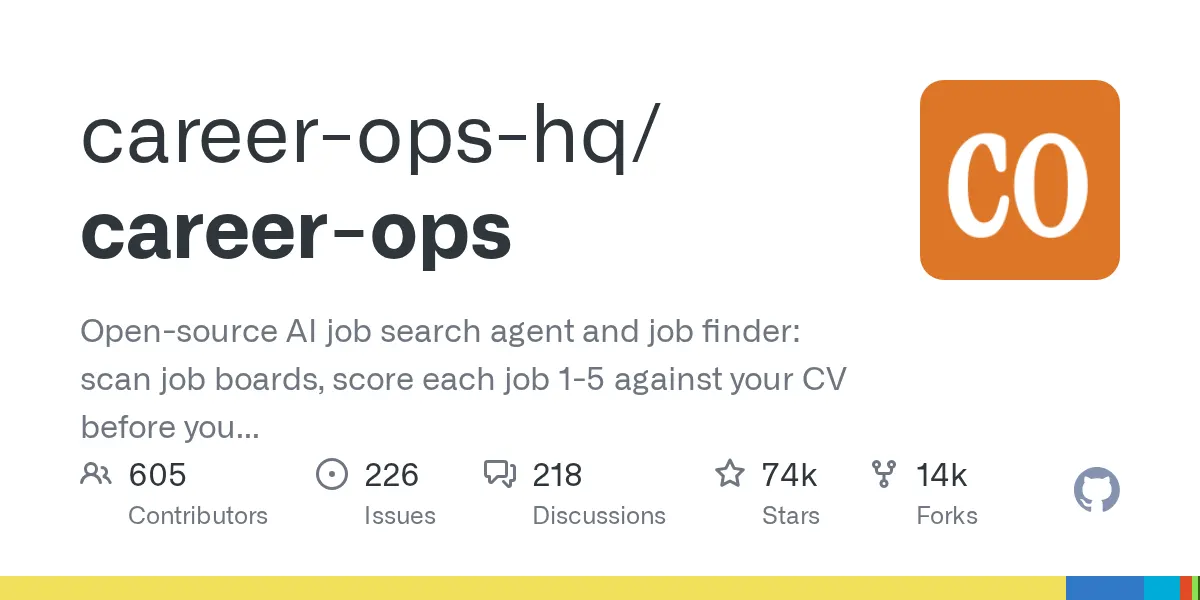
career-ops is an open-source job search agent that runs locally inside an AI coding CLI such as Claude Code, Codex or OpenCode. You paste a job URL or description and it checks whether the posting is still open, scores the fit against your CV, and drafts a tailored CV, cover letter and application answers. It also covers company research, contact discovery, interview prep and a tracker. It never submits an application or sends email; you review and click Submit yourself.
Who it's for
- Job seekers who want to filter postings by fit before spending time applying
- Developers comfortable running an AI coding CLI (Claude Code, Codex, OpenCode, etc.) locally
- Candidates who want tailored ATS-readable CVs and cover letters with a human final say
- People who want job application tracking and pipeline data kept on their own machine
Requirements
Requirements
- Node.js (npx ships with it)
- An AI coding CLI such as claude, codex, qwen, opencode, agy or grok
- Playwright Chromium for PDF generation (installed via npx playwright install chromium in the manual setup)
- Your CV in markdown (cv.md) and a profile, which the first-launch chat can walk you through
Setup
One-command install
Run the installer; it clones the latest release into ./career-ops and installs dependencies.
bashnpx @santifer/career-ops initOpen your AI CLI in the project
Change into the folder and launch your AI CLI. On first launch, career-ops walks you through setup (CV, profile, target roles) by chat.
bashcd career-ops claude # or codex / qwen / opencode / agy / grok — open your AI CLI hereManual setup (git clone)
Alternative to the installer: clone, install dependencies, add Chromium for PDFs, then validate with the doctor script.
bashgit clone https://github.com/career-ops-hq/career-ops.git cd career-ops && npm install npx playwright install chromium # only needed for PDF generation npm run doctor # Validates all prerequisitesOptional global install
Installs a persistent career-ops binary instead of using npx.
bashnpm i -g @santifer/career-ops
Examples
Manual configuration files
bashcp config/profile.example.yml config/profile.yml # Edit with your details
cp templates/portals.example.yml portals.yml # Customize companiesWhat it does: Copies the example profile and portals files to edit with your details and target companies.
Auto-pipeline on a job
Prompt/career-ops {JD}Expected output: Paste job text or a URL to run evaluation, report, PDF and tracker entry. Pasting a URL or description directly also auto-detects and runs the full pipeline.
Scan job portals
Prompt/career-ops scanExpected output: Scans portals and discovers new offers.
Plain-language mode request in Codex
PromptRun the career-ops pipeline mode for data/pipeline.mdExpected output: In Codex, modes are requested in plain language instead of slash commands.
Customize the system via your CLI
PromptChange the archetypes to backend engineering rolesExpected output: The README says the system is designed to be customized by asking your AI CLI to edit modes, archetypes and portals.
Pros & cons
Pros
- Pro:Human-in-the-loop by design: it drafts answers but never auto-submits or sends email
- Pro:Local-first with no telemetry or backend of its own; applications stay on your machine
- Pro:Broad feature set: A-H evaluation, ATS PDFs, cover letters, contact discovery, interview suite, tracker and pattern analysis
- Pro:Works across several AI CLIs, with docs for running on a budget or with local models
Cons
- Con:Early runs are rough because it does not know you yet and needs CV and preference input
- Con:Fabrication check cannot judge every rewording, so every generated CV must be read before sending
- Con:Your CV is sent to whichever AI provider you choose, so privacy depends on that provider
Images
Related
multica-ai/andrej-karpathy-skills
A single CLAUDE.md file to improve Claude Code behavior, derived from Andrej Karpathy's observations on LLM coding pitfalls.
garrytan/gstack
Use Garry Tan's exact Claude Code setup: 23 opinionated tools that serve as CEO, Designer, Eng Manager, Release Manager, Doc Engineer, and QA


colbymchenry/codegraph
Pre-indexed code knowledge graph, auto syncs on code changes, for Claude Code, Codex, Gemini, Cursor, OpenCode, AntiGravity, Kiro, CoPilot, and Hermes Agent — fewer tokens, fewer tool calls, 100% local
nexu-io/open-design
🎨 Best DeepSeek Harness Design Plugin. The open-source Claude Design alternative. 🖥️ Local-first desktop app. 🖼️ Your coding agent becomes the design engine: prototypes, landing pages, dashboards, slides, images & video — real files, HTML/PDF/PPTX/MP4 export. 🤖 Claude Code / Codex / Cursor / DeepSeek Harness / OpenCode & 20+ CLIs via BYOK.