
What it is
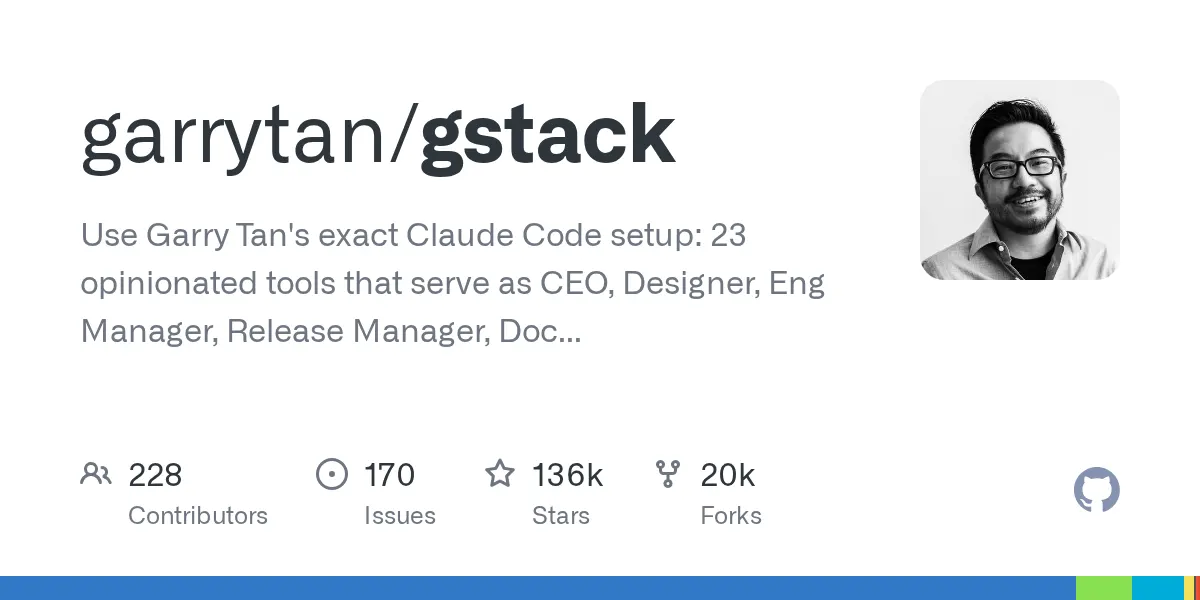
gstack is Garry Tan's Claude Code setup, packaged as twenty-three specialist skills and eight power tools. They run as slash commands and are all Markdown, free and MIT-licensed. The skills follow a sprint order (Think, Plan, Build, Review, Test, Ship, Reflect), and each step feeds the next. For example, /office-hours writes a design doc that /plan-ceo-review reads, and /plan-eng-review writes a test plan that /qa picks up.
Who it's for
- Founders and CEOs, especially technical ones who still want to ship
- First-time Claude Code users who want structured roles instead of a blank prompt
- Tech leads and staff engineers who want rigorous review, QA, and release automation on every PR
Requirements
Requirements
- Claude Code
- Git
- Bun v1.4.2+ (the tested version; setup refuses Bun older than 1.3.3 and warns in between)
- Node.js (Windows only)
- Recommended on macOS: the Aside browser (macOS 15+); without it, ./setup builds gstack's own bundled browser
- /cso additionally needs a Bun release with all four --no-compile-autoload-* build flags plus a native toolchain (static-capable C compiler on Linux, Xcode command-line tools on macOS, or Visual Studio 2022 Build Tools with Desktop development with C++ on Windows)
- Outside reviews need the other CLI installed and signed in (Codex CLI on Claude Code; Claude Code CLI when using Codex)
Setup
Step 1: Install on your machine
Open Claude Code and paste a prompt that runs this command. The README's full prompt also asks Claude to add a "gstack" section to CLAUDE.md listing the available skills and telling it to use /browse for web browsing. Setup took about 31 seconds on a 4-vCPU Linux cloud machine.
bashgit clone --single-branch --depth 1 https://github.com/garrytan/gstack.git ~/.claude/skills/gstack && cd ~/.claude/skills/gstack && ./setupStep 2: Team mode (recommended for shared repos)
From inside your repo, switch to team mode, bootstrap the repo so teammates get gstack automatically, and commit the change. Swap
requiredforoptionalto nudge teammates instead of blocking them.bash(cd ~/.claude/skills/gstack && ./setup --team) && ~/.claude/skills/gstack/bin/gstack-team-init required && git add .claude/ CLAUDE.md && git commit -m "require gstack for AI-assisted work"Other AI agents
Bare ./setup installs for Claude Code only. Pick another agent with --host <name>, or use --host auto to install for every agent setup detects.
bashgit clone --single-branch --depth 1 https://github.com/garrytan/gstack.git ~/gstack cd ~/gstack && ./setup --host auto # or: ./setup --host codex ./setup --status # one row per install: host, tier, scope, version, pathNative OpenClaw skills (optional)
Four methodology skills that run directly in an OpenClaw agent without a Claude Code session, installed from ClawHub.
bashclawhub install gstack-openclaw-office-hours gstack-openclaw-ceo-review gstack-openclaw-investigate gstack-openclaw-retro
Examples
End-to-end sprint from idea to PR
Prompt/office-hours
/plan-ceo-review
/plan-eng-review
(approve plan, exit plan mode)
/review
/qa https://staging.myapp.com
/shipExpected output: The README's "See it work" walkthrough. Each skill reads the previous step's output. It ends with /ship reporting tests and a PR link.
Quick start trial
PromptRun /office-hours — describe what you're building
Run /plan-ceo-review on any feature idea
Run /review on any branch with changes
Run /qa on your staging URL or an isolated local API, CLI, job or webhookExpected output: The README's suggested short trial, after which "you'll know if this is for you."
Build a feature end-to-end via OpenClaw
PromptLoad gstack. Run /autoplan, implement the plan, then run /shipExpected output: Example dispatch prompt for an OpenClaw agent that spawns Claude Code sessions with gstack skills.
Security audit via OpenClaw
PromptLoad gstack. Run /csoExpected output: Example prompt from the OpenClaw setup instructions; asking for a security audit spawns Claude Code with /cso.
Pros & cons
Pros
- Pro:Each skill covers a distinct role (CEO review, eng review, design review, QA, release) and feeds the next, giving a structured workflow rather than a blank prompt
- Pro:Free and MIT-licensed, with skills written as Markdown slash commands
- Pro:Team mode lets shared repos get gstack with an auto-update check throttled to once per hour and no vendored files
- Pro:Supports agents beyond Claude Code (Codex, OpenCode, Cursor, Factory Droid, Kiro, Copilot CLI, Antigravity) and instruction-only digests for others
Cons
- Con:Only Claude Code is rated full tier; other hosts are experimental or instruction-only, and their safety skills are advisory rather than blocked
- Con:/cso needs a Bun release with specific build flags plus a native toolchain, otherwise it reports
not assessed - Con:Outside reviews require another CLI (Codex or Claude Code) installed and signed in
Images
Related
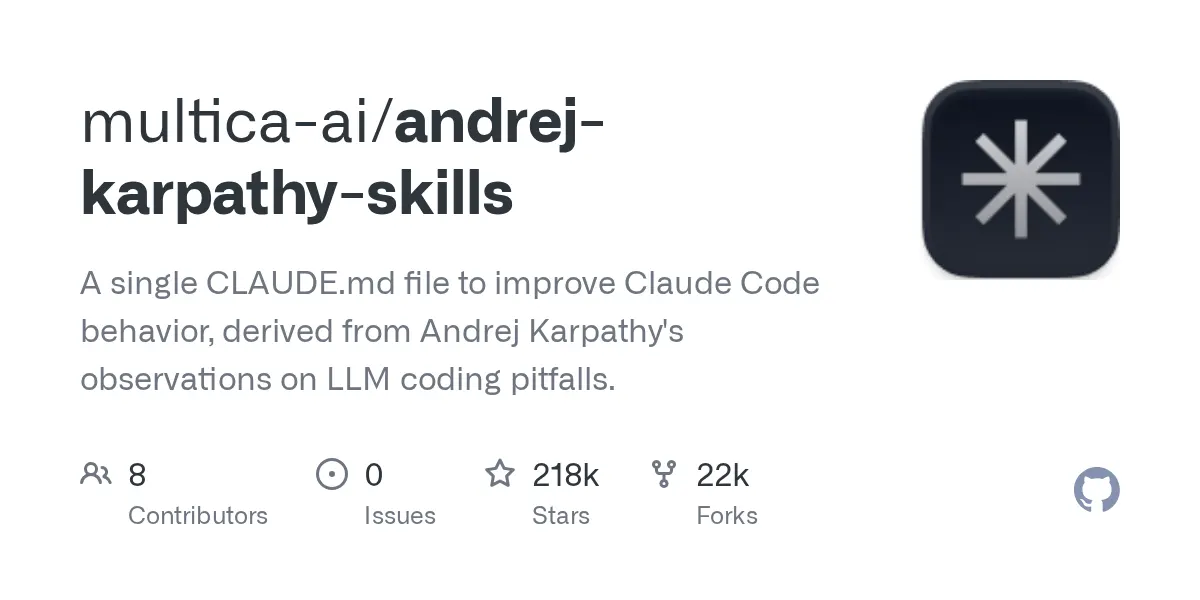
multica-ai/andrej-karpathy-skills
A single CLAUDE.md file to improve Claude Code behavior, derived from Andrej Karpathy's observations on LLM coding pitfalls.
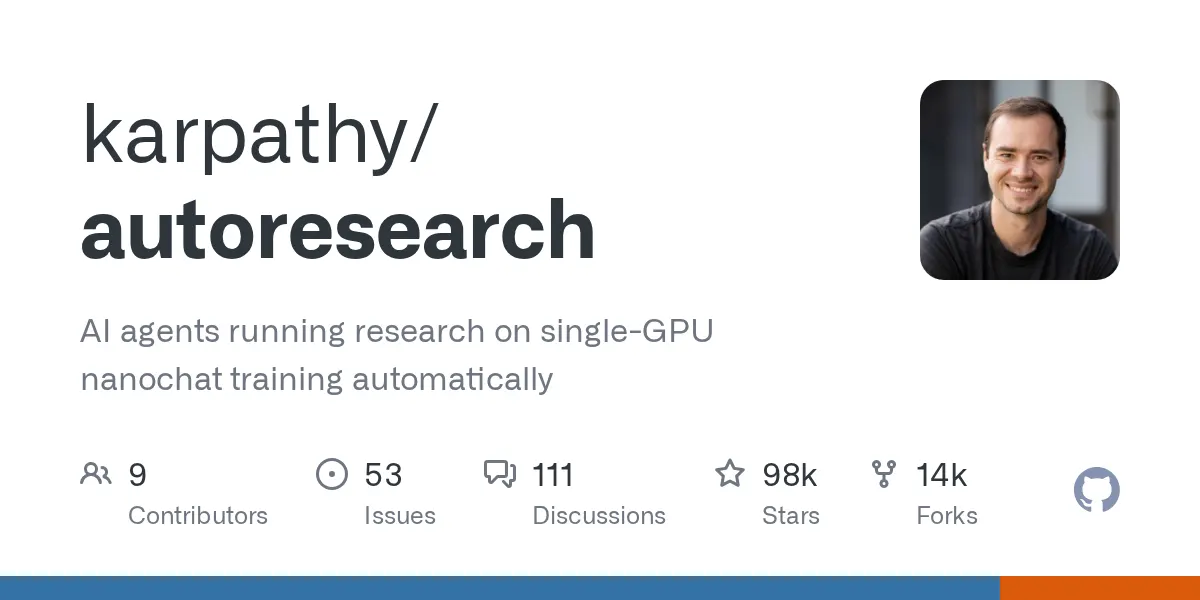


colbymchenry/codegraph
Pre-indexed code knowledge graph, auto syncs on code changes, for Claude Code, Codex, Gemini, Cursor, OpenCode, AntiGravity, Kiro, CoPilot, and Hermes Agent — fewer tokens, fewer tool calls, 100% local

Tencent-Hunyuan/HY-World-2.0
HY-World 2.0: A Multi-Modal World Model for Reconstructing, Generating, and Simulating 3D Worlds
ultraworkers/claw-code
An agent-managed museum exhibit, built in Rust with Gajae-Code / LazyCodex — developed and maintained with no human intervention.