What it is
OmO is one omo command that turns tokens into finished work such as research, decks, backends, frontends and code. It runs on senpi, a fork of pi, with its features built in. Adding ultrawork/ulw to a prompt makes the agent read the codebase, plan, verify each step and stop when done, while mass ulw turns the job into a graph of agents running in parallel on different models.
Who it's for
- Developers who want an agent to carry hard tasks through to completion
- Users who want to mix frontier and cheaper models, signing in with Claude, ChatGPT, Kimi or GLM subscriptions
- Existing OpenCode edition or LazyCodex users migrating to OmO
Requirements
Requirements
- Install via curl on macOS/Linux, PowerShell on Windows, or bun/npm for the
omo-aipackage - A model provider sign-in (
/logincovers Claude, ChatGPT, Kimi and GLM subscriptions)
Setup
Install and run (macOS/Linux)
The script installs the native
omobinary for your OS and CPU into~/.local/bin, verifies it against release checksums, and falls back to GitHub Releases if the mirror is unreachable. Then open your project, runomoand describe the job.bashcurl -fsSL https://get.omo.dev/install.sh | bash omoInstall on Windows (PowerShell)
Run in PowerShell. Windows CMD and PATH fixes are covered at omo.dev/docs/install.
powershellirm https://get.omo.dev/install.ps1 | iexInstall via package manager
Installs the same OmO. The package is
omo-ai; the unrelatedomopackage on npm is someone else's. A package-manager install updates withomo update.bashbun add -g omo-aiMigrate from OpenCode edition or LazyCodex
Run once to carry across provider keys, custom providers, MCP servers, skills and model picks.
omo doctorthen shows which task categories your providers can run and what the old install left behind.bashomo setup
Examples
Ultrawork on a hard task
Promptultrawork <your prompt>Expected output: Adding ultrawork (or ulw) makes the agent read the codebase, plan, prove each step, check the result on the real surface, and stop when done.
Mass ulw for graph-of-agents jobs
Promptmass ulw <your prompt>Expected output: Turns the job into a graph of agents running in parallel, each on a fitting model and checked before completion, e.g. deep research or a migration.
Diagnose provider coverage
bashomo doctorWhat it does: Shows which task categories your providers can run and what an old install left behind.
Pros & cons
Pros
- Pro:One keyword (
ulwormass ulw) scales from a single task to parallel multi-agent workflows - Pro:Mixes models, with a system prompt tuned for each model and subscription sign-in via
/login - Pro:Kibitzer memory is stored as markdown in a git repository and nudges the main agent before it repeats mistakes
- Pro:Config is layered (
~/.omo/omo.jsoncplus project.omo/omo.jsonc) and reloads live
Cons
- Con:Computer use is documented as experimental
- Con:The
omonpm package name is unrelated, so installs must useomo-ai - Con:The README describes itself as opinionated defaults, adjustable via config
Related
cheaper-inference/OmniRoute
Never stop coding. Free MIT AI gateway: one endpoint, 359 providers (150+ free), 1200+ models Kimi, Claude, GPT, Gemini, GLM, DeepSeek, MiniMax. Works with Claude Code, Codex, Cursor, OpenCode, Cline & Copilot. Quota-aware auto-fallback, RTK+Caveman compression saves 15-95% tokens, MCP/A2A, Desktop/PWA. Built by hundreds of contributors
Leonxlnx/taste-skill
Taste-Skill - gives your AI good taste. stops the AI from generating boring, generic slop

Tencent-Hunyuan/HY-World-2.0
HY-World 2.0: A Multi-Modal World Model for Reconstructing, Generating, and Simulating 3D Worlds
multica-ai/andrej-karpathy-skills
A single CLAUDE.md file to improve Claude Code behavior, derived from Andrej Karpathy's observations on LLM coding pitfalls.
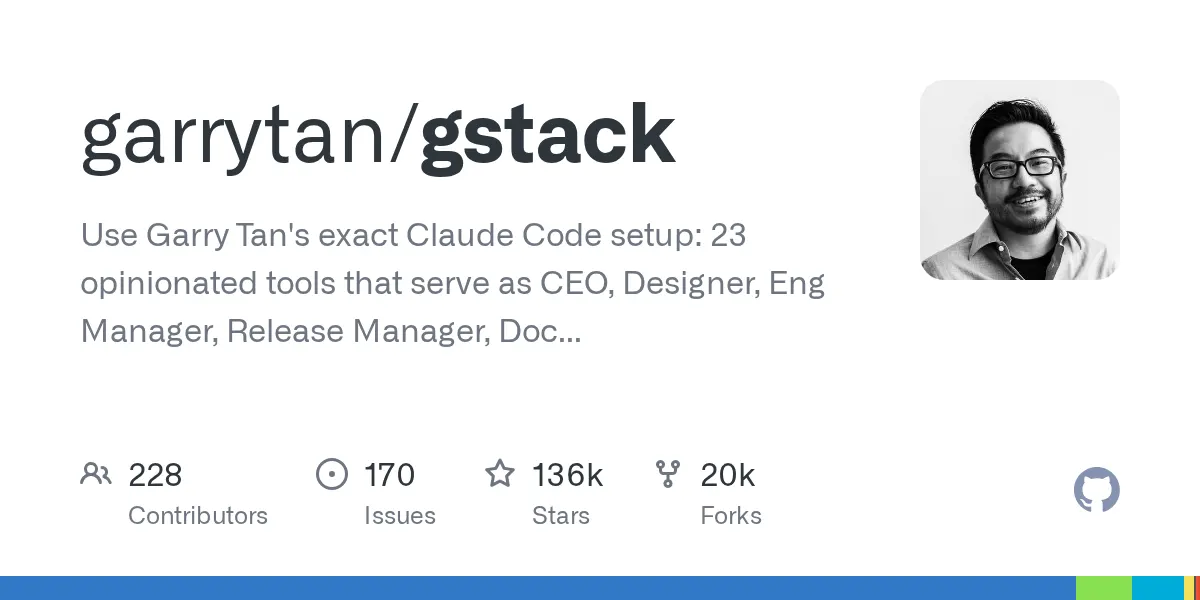
garrytan/gstack
Use Garry Tan's exact Claude Code setup: 23 opinionated tools that serve as CEO, Designer, Eng Manager, Release Manager, Doc Engineer, and QA