
What it is
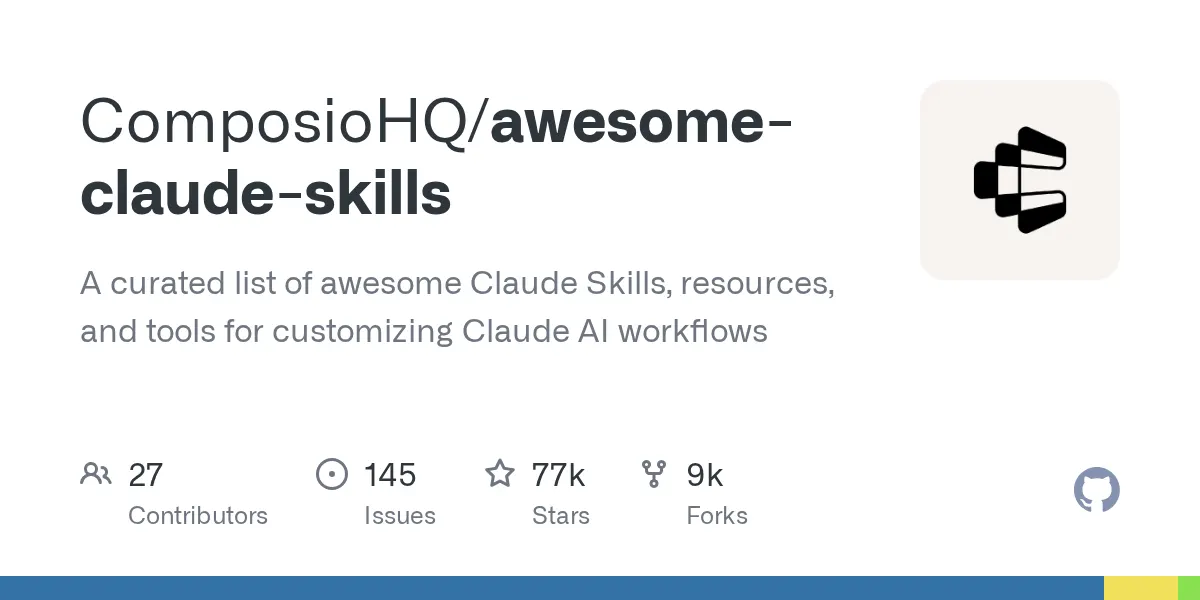
awesome-claude-skills is a curated list of Claude Skills and plugins grouped into categories such as Document Processing, Development & Code Tools, Data & Analysis, Business & Marketing, and more. Skills are reusable instruction packages: folders with a SKILL.md file (YAML frontmatter plus Markdown instructions), optionally with scripts, references and assets. The README also offers a connect-apps plugin that uses Composio to let Claude take actions across 1000+ apps.
Who it's for
- Users of Claude.ai, Claude Code, or the Claude API who want ready-made skills
- Developers using other coding agents named in the README (Codex, Cursor, Gemini CLI, Antigravity, Windsurf)
- People wanting Claude to take real actions in apps such as email, Slack, and GitHub issues
- Contributors who want to create or submit their own skills
Requirements
Requirements
- Claude Code CLI (the quickstart uses the
claudecommand) - A Composio API key (the README says a free key is available) for the connect-apps plugin
Setup
Install the connect-apps plugin
Start Claude Code with the plugin directory.
bashclaude --plugin-dir ./connect-apps-pluginRun setup
Run the setup command inside Claude and paste your API key when asked.
bash/connect-apps:setupRestart and try it
Exit and restart Claude. If you receive the email, Claude is connected to 1000+ apps.
bashexit claude
Examples
Load the connect-apps plugin
bashclaude --plugin-dir ./connect-apps-pluginWhat it does: Starts Claude Code with the connect-apps plugin, which handles auth and connects to apps via Composio.
Run the plugin setup
Code/connect-apps:setupWhat it does: Prompts for your Composio API key to finish connecting Claude to external apps.
Install the lean-ctx Claude Code skill
bashlean-ctx init --agent claude-codeWhat it does: The command the README gives for installing the lean-ctx skill for Claude Code, one of the listed tools.
Pros & cons
Pros
- Pro:Large catalog organized into clear categories (documents, dev tools, data, marketing, creative, productivity, collaboration)
- Pro:Many entries link directly to source repos, with author attribution
- Pro:Skills format is documented as supported across Claude Code, Claude.ai, Claude API, Codex, Cursor, Gemini CLI, Antigravity and Windsurf
- Pro:Includes a quickstart plugin for taking real actions in apps like Gmail, Slack and GitHub
Cons
- Con:The action-taking quickstart depends on Composio and an API key from its dashboard
- Con:It is a list of links, so quality and setup steps depend on each linked project
- Con:The provided README text is truncated, so later sections (Getting Started, Creating Skills, Contributing) are not visible
Images
Related
 Repo
Repo blader/humanizer
Agent skill that removes signs of AI-generated writing from text
 Repo
Repo NousResearch/hermes-agent
The agent that grows with you
 Repo
Repo Panniantong/Agent-Reach
Give your AI agent eyes to see the entire internet. Read & search Twitter, Reddit, YouTube, GitHub, Bilibili, XiaoHongShu — one CLI, zero API fees.
 Repo
Repo mergisi/awesome-openclaw-agents
162 production-ready AI agent templates for OpenClaw. SOUL.md configs across 19 categories. Submit yours!
 Repo
Repo a5c-ai/babysitter
Babysitter enforces obedience on agentic workforces and enables them to manage extremely complex tasks and workflows through deterministic, hallucination-free self-orchestration
 Repo
Repo deepseek-ai/deepseek-harness
DeepSeek Harness: Everything is a Plugin.