
What it is
CLI-Anything, from the HKU Data Intelligence Lab (HKUDS), makes desktop software usable by AI agents through the command line instead of the mouse. Each "harness" is a Python command-line tool for one app, with JSON output, an interactive REPL, undo/redo and a SKILL.md file so agents know how to use it. You can install ready-made ones from CLI-Hub (pip install cli-anything-hub, then cli-hub install gimp), or give your agent the hub skill so it finds and installs the right CLI by itself. When an app has no CLI yet, the Claude Code plugin runs a 7-phase generator (/cli-anything ./app): it analyzes the source, maps GUI actions to functions, writes the commands, tests and docs, and installs the CLI on your PATH. The same method works in Cursor, Codex, OpenCode, Pi, OpenClaw, Hermes and other agents. Apache-2.0.
Who it's for
- Claude Code and Cursor users who want their agent to work inside desktop apps such as GIMP, Blender, LibreOffice, OBS or Obsidian
- Developers who want an agent-friendly CLI for their own app or an internal tool
- Anyone automating creative or office work where no MCP server exists
Requirements
Requirements
- Python 3.10+
- The real application installed (the CLI controls it, it does not replace it)
- A supported AI coding agent (Claude Code, Cursor, Codex, OpenCode, Pi and others)
- On Windows, Claude Code needs Git Bash or WSL for the plugin's shell commands
Setup
Use a ready-made CLI
Install the CLI-Hub package manager, search the registry and install the CLI for your app. Install the app itself too.
bashpip install cli-anything-hub cli-hub search image cli-hub install gimpLet your agent pick the tool
Add the hub meta-skill, then ask: "Find appropriate CLI software in CLI-Hub and complete the task: ..."
bashnpx skills add HKUDS/CLI-Anything --skill cli-hub-meta-skill -g -yBuild a CLI for a new app (Claude Code)
Add the plugin marketplace, install the plugin, then point it at the app's source folder or GitHub URL. Refine later with /cli-anything:refine.
bash/plugin marketplace add HKUDS/CLI-Anything /plugin install cli-anything /cli-anything ./gimp
Examples
Edit an image from the chat
PromptUsing the GIMP CLI, resize photo.png to 1080 px wide, add a 20 px white border and export it as PNG.Expected output: Claude runs cli-anything-gimp commands and reads the JSON results.
Find the right tool first
PromptFind appropriate CLI software in CLI-Hub and complete the task: convert report.docx to PDF.Expected output: With the hub meta-skill, the agent searches CLI-Hub, installs the LibreOffice CLI and uses it.
Pros & cons
Pros
- Pro:Open source (Apache-2.0), with a large registry of ready-made CLIs for creative, office and developer apps
- Pro:Works with many agents: Claude Code, Cursor, Codex, OpenCode, Pi, OpenClaw, Hermes and more
- Pro:Each CLI ships JSON output and a SKILL.md, so agents can discover and use it reliably
- Pro:The generator can build a new CLI from an app's source code, with tests and docs
- Pro:Very popular: about 59,000 GitHub stars at the time of writing
Cons
- Con:Not made by Anthropic, and it does not replace MCP: it is another way to connect apps
- Con:You still need the real application installed
- Con:Building a new CLI means your agent writes the code: it uses your agent's usage, quality depends on the agent, and the code should be reviewed
- Con:Community CLIs are third-party code; the README logs security fixes (for example path injection and path traversal), so install only what you need
- Con:No commits since 2026-09-22 at the time of writing; FoxaMind has not tested it
Images
Related
ComposioHQ/awesome-claude-skills
A curated list of awesome Claude Skills, resources, and tools for customizing Claude AI workflows
Panniantong/Agent-Reach
Give your AI agent eyes to see the entire internet. Read & search Twitter, Reddit, YouTube, GitHub, Bilibili, XiaoHongShu — one CLI, zero API fees.
msitarzewski/agency-agents
A library of specialist AI agent definitions (the README says 230+) across marketing, sales, design, engineering and more, each with its own role, process and deliverables, to load into Claude Code and other coding agents.
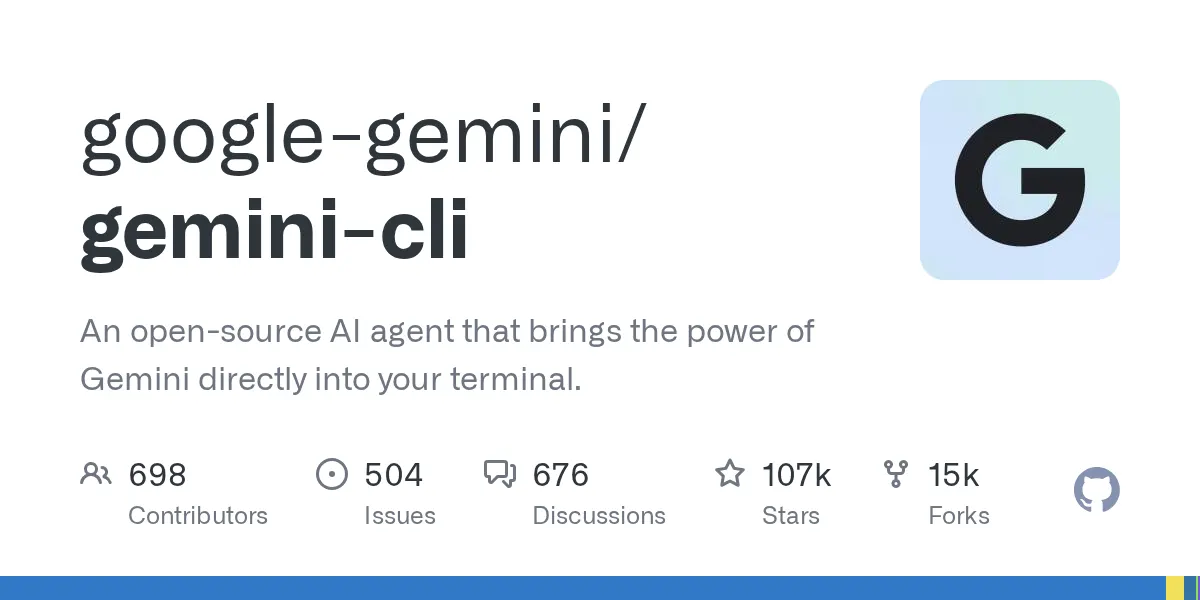
google-gemini/gemini-cli
An open-source AI agent that brings the power of Gemini directly into your terminal.