
What it is
Mister Download Manager (MDM) is a clean-room, open-source download manager for Windows and Linux, with experimental macOS builds. It looks and works like the download manager many people already pay for: the same toolbar, categories, download list, progress window and browser button. It speeds up downloads by fetching parts of a file at the same time, resumes after a crash or a dropped connection, catches downloads from Chrome, Firefox, Edge, Brave, Opera and Vivaldi, downloads videos from web pages (through yt-dlp), image galleries and torrents, and runs queues on a scheduler that can download overnight and shut the computer down. It also has a VPN-only mode with a kill switch, phone remote control, a headless mode for NAS and Docker, a command-line tool, a local API and an MCP server, so Claude, Cursor or VS Code can list, add, pause and remove your downloads. It is available in 86 languages, including a full right-to-left Arabic window, with no ads, no trial and no account. GPL-3.0.
Who it's for
- Anyone who uses a paid download manager and wants a free, open-source one that looks the same
- People on slow or unstable connections who need downloads that resume instead of starting over
- Arabic speakers who want a fully right-to-left interface
- Developers who want to drive downloads from scripts, a local API or an AI assistant (MCP)
Requirements
Requirements
- Windows 10 or 11 (x64, ARM64 or 32-bit) or Linux (deb, rpm, AppImage); macOS builds are experimental
- The installer is not code-signed yet, so Windows shows a warning on first run
- Video downloads use yt-dlp and ffmpeg; download only what you have the right to
Setup
Install it
Download the setup file from the official GitHub releases page, or install it with WinGet in a terminal. Windows may say "Windows protected your PC" the first time because this early version is not code-signed: click More info, then Run anyway, but only for the file from the official releases page.
bashwinget install AhmedNefzaoui.MisterDownloadManagerConnect your browser
The installer connects MDM to your browser. You can also add the extension from the Chrome Web Store (Chrome, Edge, Brave, Opera, Vivaldi) or Firefox Add-ons. It hands downloads back to the browser when MDM is not running.
Update it later
Use Check for updates in the app, or WinGet.
bashwinget upgrade AhmedNefzaoui.MisterDownloadManager
Examples
Download a big file on a shaky connection
PromptPaste the link in Add URL, start it, and let MDM split it into parts. If the connection drops, press Resume.Expected output: It continues from where it stopped instead of starting over.
Manage downloads from Claude
PromptUsing the Mister Download Manager MCP server, list my downloads and pause the biggest one.Expected output: The README's docs/ai-assistants.md explains how to connect the MCP server to Claude, Cursor or VS Code.
Pros & cons
Pros
- Pro:Free and open source (GPL-3.0), with no ads, no trial and no account
- Pro:The familiar layout of a paid download manager, so there is nothing new to learn
- Pro:Segmented downloads, resume, browser extension, video, galleries, torrents, scheduler and VPN-only mode
- Pro:86 languages, with a fully mirrored right-to-left window for Arabic
- Pro:MCP server, command line and local API for automation; very active, about 10,700 GitHub stars at the time of writing
Cons
- Con:The speed numbers (a 1 GB file in 1 s vs 5.5 s for IDM 6.42) are the maker's own test on a local test server; on a real connection your internet speed is the limit
- Con:Very new: the first commit is from 2026-10-29 and the latest release is v0.5.2 (2026-11-09)
- Con:Not code-signed yet, so Windows warns on first run; get it only from the official GitHub releases or WinGet
- Con:macOS builds are experimental; on Linux, screen readers and Flatpak browsers are not supported yet
- Con:FoxaMind has not tested it
Images
Related
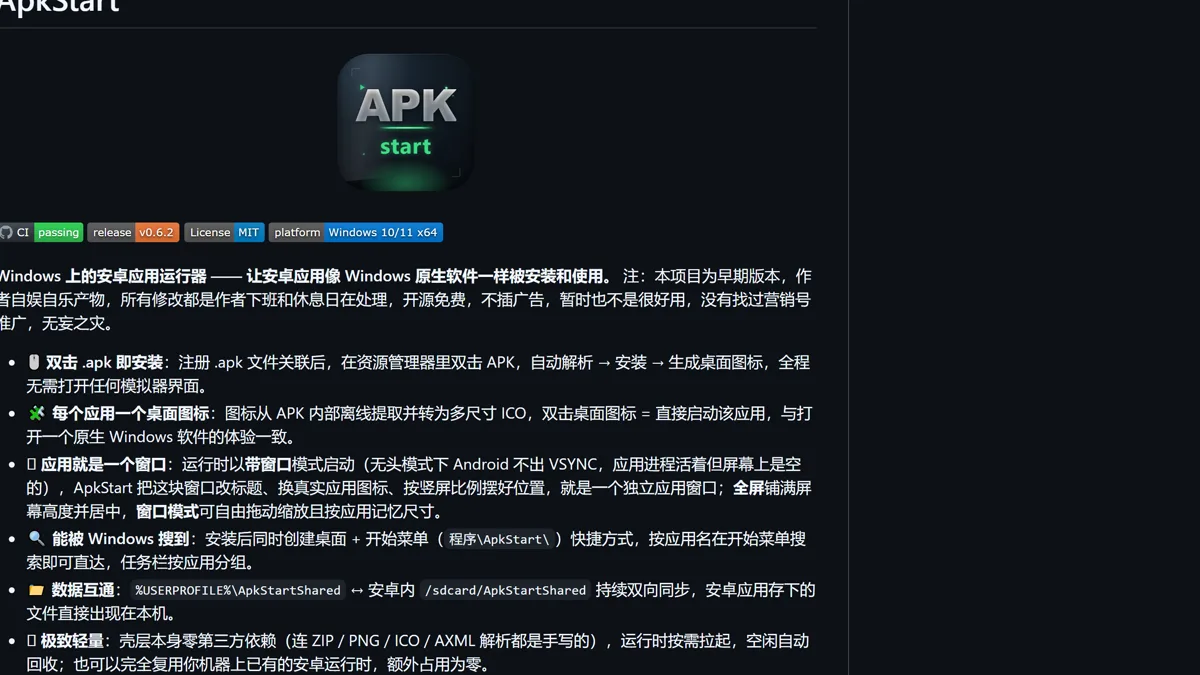
RoutineMiku/apkstart
ApkStart: a free, open-source Android app runner for Windows 10 and 11. Double-click an APK and it installs with its own desktop icon, window and Start-menu entry, using Google's Android emulator kept hidden. Early version; the interface is in Chinese.
affaan-m/ECC
The agent harness performance optimization system. Skills, instincts, memory, security, and research-first development for Claude Code, Codex, Opencode, Cursor and beyond.

firecrawl/firecrawl
Supercharge your AI agents with data from the web and beyond. Building the library for superintelligence. 🔥

DietrichGebert/ponytail
Makes your AI agent think like the laziest senior dev in the room. The best code is the code you never wrote.


farion1231/cc-switch
A cross-platform desktop All-in-One assistant for Claude Code, Codex, OpenCode, OpenClaw, Grok Build & Hermes Agent. Only official website: ccswitch.io