
What it is
Windsurf was an AI code editor created by Codeium that provided intelligent code completion, multi-file editing, and agentic coding capabilities directly within a desktop IDE. The editor was designed to understand your entire codebase and offer contextual suggestions across files. In July 2025, Cognition (the company behind the Devin AI software engineer) acquired Codeium and the Windsurf product for $250 million. On June 2, 2026, the Windsurf editor was renamed to Devin Desktop through an over-the-air update. As of 2026, windsurf.com redirects to devin.ai/desktop. Devin Desktop retains the local IDE experience of Windsurf while integrating with Devin's cloud-based autonomous coding capabilities. It offers inline edits, tab completions, and access to frontier AI models from OpenAI, Anthropic, Google, and others.
Who it's for
- Software developers who want an AI-powered local IDE
- Teams already using Devin who want a desktop coding experience
- Developers migrating from VS Code or other editors to an AI-first editor
Requirements
Requirements
- Desktop computer running macOS, Windows, or Linux
- A Devin account (free tier available)
Setup
Download Devin Desktop
Visit devin.ai/desktop and download the installer for your operating system.
Sign in with your Devin account
Create a free Devin account or sign in with an existing one. The free tier includes a light agent quota and unlimited inline edits and tab completions.
Open your project
Open any codebase in Devin Desktop and start using AI-assisted editing, code completion, and agentic features.
Examples
Inline code completion
CodeStart typing a function and Devin Desktop suggests the complete implementation based on context from your codebase.What it does: The AI reads surrounding files and project structure to offer contextual multi-line completions.
Refactor across files
PromptRename the User class to Account and update all references across the projectExpected output: The agent scans all files, identifies every reference, and applies consistent changes across the codebase.
Use cloud agents for longer tasks
CodeSend a complex task to a Devin cloud agent while continuing to work locally in the desktop editor.What it does: Devin Desktop integrates with Devin's cloud agents that can work autonomously on longer tasks and open pull requests when done.
Pros & cons
Pros
- Pro:Free tier includes unlimited inline edits and tab completions
- Pro:Access to frontier models from OpenAI, Anthropic, Google, and others
- Pro:Integrates local IDE experience with cloud-based autonomous agents
- Pro:Available on macOS, Windows, and Linux
Cons
- Con:Rapid rebranding from Codeium to Windsurf to Devin Desktop may cause confusion
- Con:The product identity is now merged with Devin, which may not suit users who only want a local editor
- Con:Pro plan at $20 per month required for full frontier model access
Related
 Tool
Warp
Build your software factory on Warp: factories as code, any model or harness, with evals, benchmarks, and self-improvement built in.
 Tool
Cursor
AI-powered code editor.
 Tool
GitHub Copilot
AI pair programmer inside your editor.
 Tool
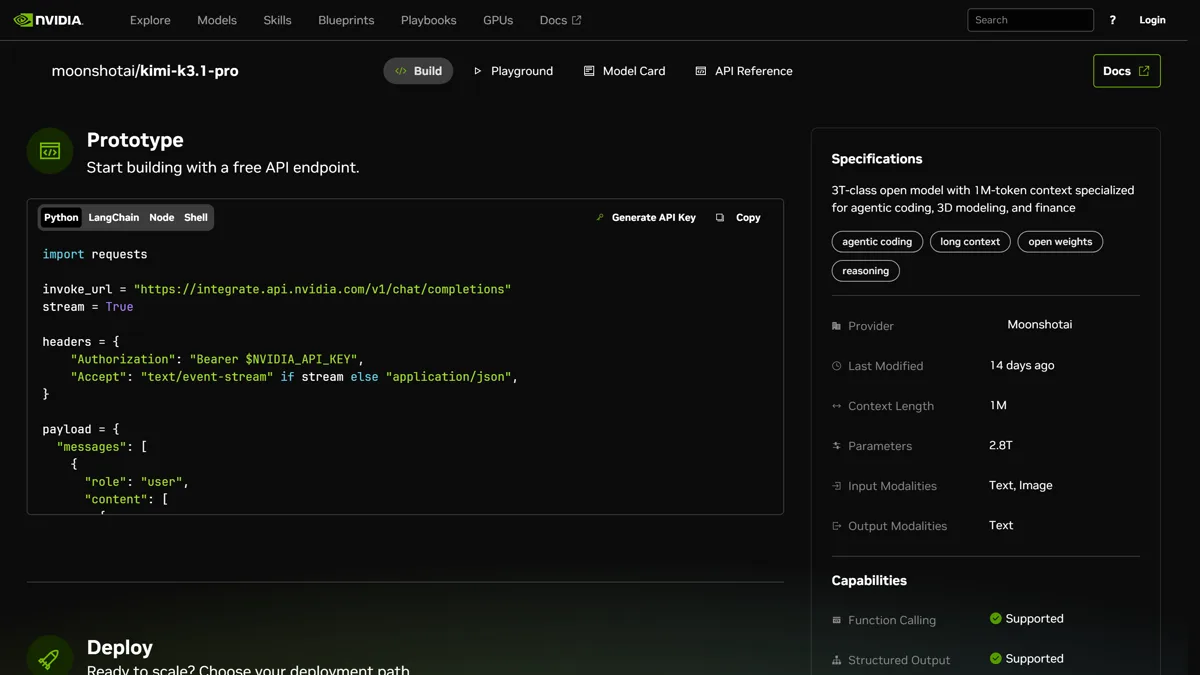
Kimi K3.1 Pro on NVIDIA Build
Moonshot AI's Kimi K3.1 Pro coding model, hosted by NVIDIA on build.nvidia.com with a free trial API endpoint. OpenAI-style API, 1M-token context, 2.8T parameters. Trial for building and testing, not production.
 Tool
Beautiful.ai
The AI presentation platform built for enterprise teams. Beautiful.ai keeps every deck on-brand and ready to share across the whole company.
 Tool
ClickUp Brain
ClickUp Brain is ClickUp's AI that connects projects, docs, people and company knowledge.