
The prompt
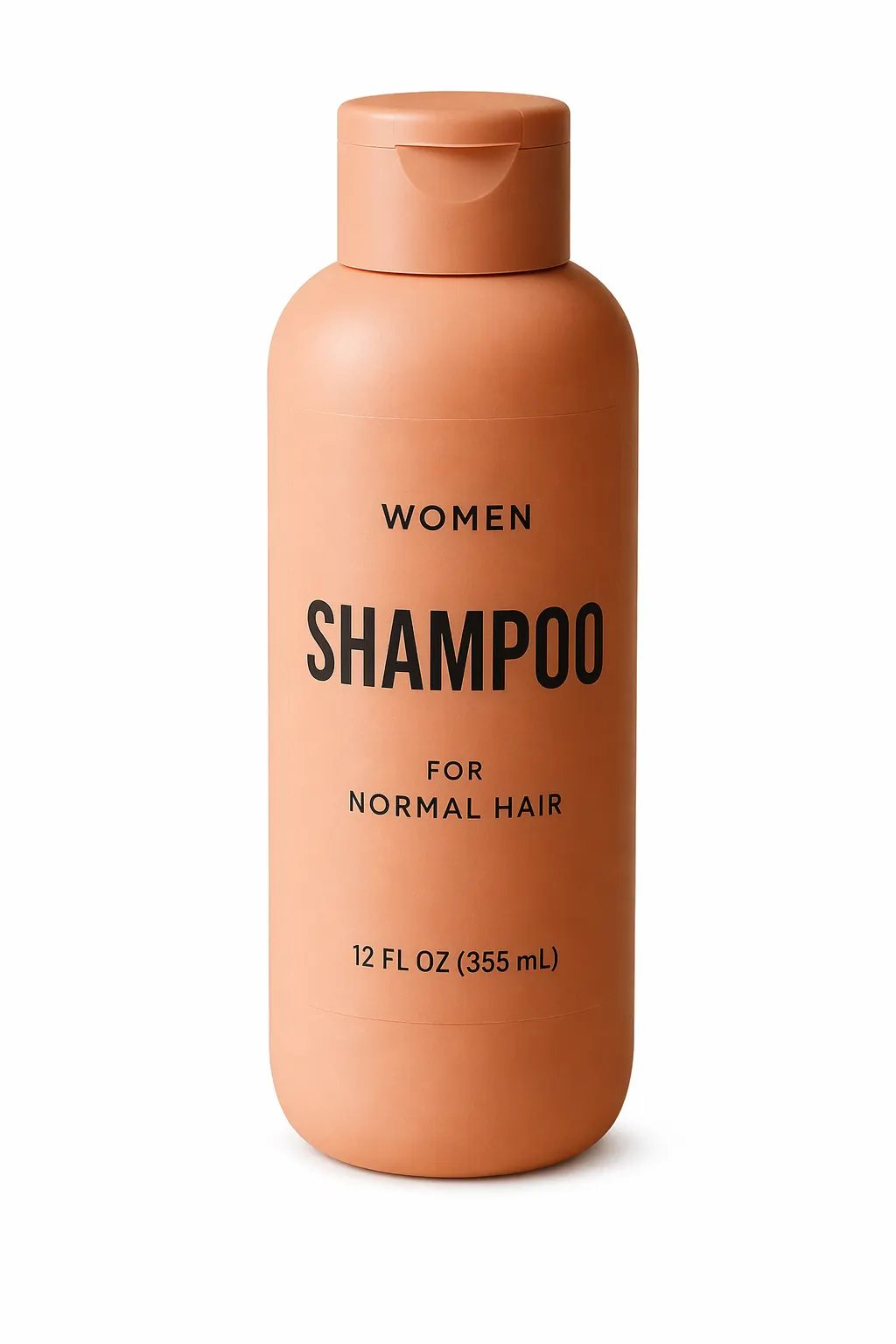
Extract the product from the input image and isolate it on a fully transparent background.
Output: centered product, crisp silhouette, no halos/fringing.
Preserve product geometry and label legibility exactly.
Add only light polishing. Do not add a solid backdrop, checkerboard, scenery, or shadow.
Do not restyle the product; remove the background and preserve clean alpha transparency.
What it is
Official OpenAI example prompt for "Extract Product to Transparent PNG". It edits input image(s) you upload, keeping everything else unchanged. This example comes from the OpenAI Cookbook image generation prompting guide, which shows the prompt together with the image the model produced. Result image from the source: https://raw.githubusercontent.com/openai/openai-cookbook/main/images/extract_product_gpt-image-2.png
مثال رسمي من OpenAI: استخراج المنتج بخلفية شفافة. بيعدّل عالصور يلي بترفعها وبيحافظ عالباقي.
Examples
Example prompt from the source
PromptExtract the product from the input image and isolate it on a fully transparent background.
Output: centered product, crisp silhouette, no halos/fringing.
Preserve product geometry and label legibility exactly.
Add only light polishing. Do not add a solid backdrop, checkerboard, scenery, or shadow.
Do not restyle the product; remove the background and preserve clean alpha transparency.Expected output: Copied verbatim from OpenAI Cookbook — Image generation models prompting guide.
Related
 Prompt
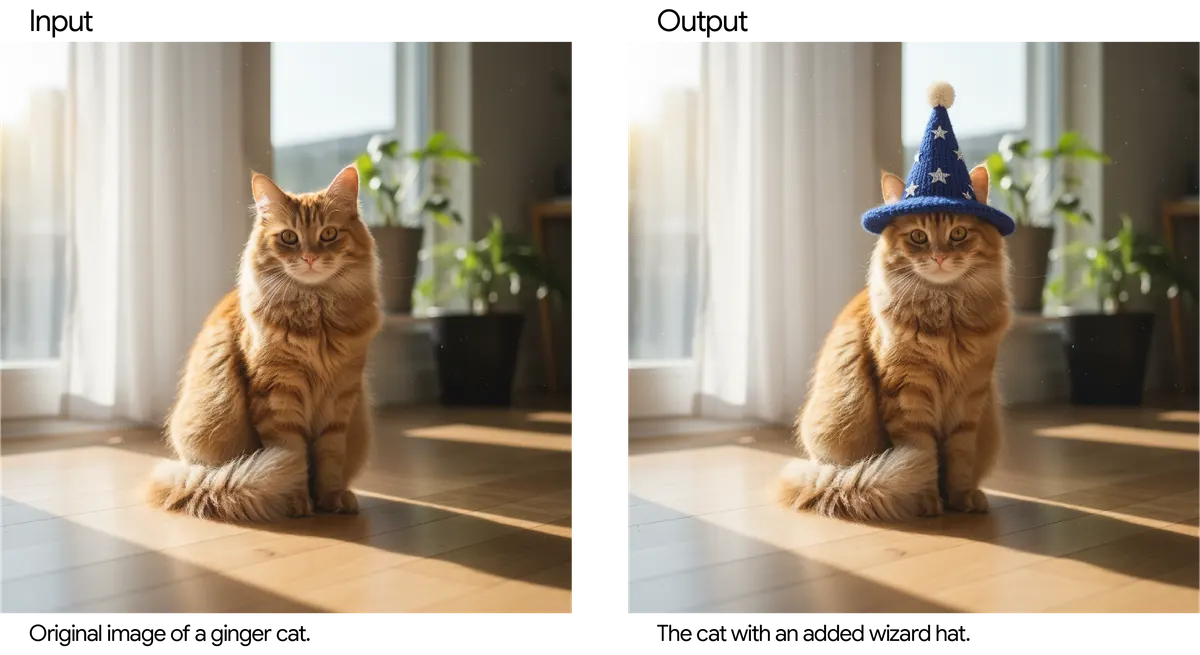
Gemini Image Edit: Add an Element
Adds an object to your own photo while matching its lighting.
 Prompt
FLUX.2: Turn an Edit Request into One Concise Image-Editing Instruction
You are FLUX.2 by Black Forest Labs, an image-editing expert. You convert editing requests into one concise instruction (50-80 words, ~30 for brief requests). Rules: - Single instruction only, no comm
Prompt Grok Imagine Edit: Change One Detail, Keep the Rest
Replace the metal watch strap with a brown leather strap with cream stitching. Keep the same wrist, the same shirt cuff, the same angle, and the same desk.
Prompt Qwen-Image: Edit Prompt Enhancer for Image Editing Instructions
# Edit Prompt Enhancer You are a professional edit prompt enhancer. Your task is to generate a direct and specific edit prompt based on the user-provided instruction and the image input conditions. Pl
 Tool
Topaz Labs
Topaz Labs makes deep-learning photo and video enhancement software for noise reduction, sharpening and upscaling.
 Prompt
GPT-5 Agent Persistence
Tells an agent to keep working until the task is fully solved instead of stopping to ask.