
What it is
API Anything loads a page in a headless browser for two example inputs, keeps what stays the same and turns what changes into parameters. After that, your agent calls the site with one HTTP request and gets JSON back. No LLM is involved in learning, and there is no account or API key. 114 sites and 323 read operations ship with the package (README, v0.4.0), from Hacker News, Reddit, YouTube and GitHub to Google Flights. When a site changes, it takes another install's repaired version or re-learns, and saves only after a replay works.
Who it's for
- Users of Claude Code, Codex, Cursor, Claude Desktop, Gemini CLI or VS Code who want their agent to read websites faster
- Developers building agents with the Vercel AI SDK, LangChain.js or the OpenAI Agents SDK
- Anyone who wants structured JSON from a site that has no public API
Requirements
Requirements
- Node.js 22.13 or newer
- A Chromium browser, only to learn new sites and for the browser fallback
- An agent that supports local MCP servers (stdio)
Setup
Set up, keeping everything on your machine
Setup finds your agents and asks which to connect. It also asks whether to help build the shared catalog, and pressing Enter there means yes. The --local-only flag keeps everything on this machine. Restart your agent afterward.
bashnpx -y api-anything setup --local-onlyPreview the changes first (optional)
Shows what setup would change in your agent configs without writing anything. Each config file is backed up before the first edit.
bashnpx -y api-anything setup --dry-runTest a call
Expect "ok":true and "tier":1, a plain HTTP call with no browser.
bashnpx -y api-anything call hacker-news search query=sqlite
Examples
Ask your agent for live data
PromptUse api-anything to find round-trip flights from Lisbon to Tokyo for the first week of December and list the five cheapest.Expected output: The agent uses the MCP tools (find_sites, call_operation) instead of opening a browser.
Serve chosen sites as their own MCP tools
bashnpx -y api-anything mcp --sites goodreads,hacker-newsWhat it does: Each operation of the named sites becomes a separate tool, such as goodreads__searchBooks (documented in the v0.3.2 README).
Pros & cons
Pros
- Pro:In the author's own benchmark (Claude Opus 5.5, Google Flights, 5 dates) the median time was 21.1 s against 41.6 s for a browser agent, with about 21.3k tokens read instead of 46.7k on one date
- Pro:No account and no API key; learning a site uses no LLM
- Pro:Writes such as orders stay off unless the server is started with --allow-writes, and the same order is blocked twice within 10 minutes
- Pro:MIT licence, actively maintained
Cons
- Con:The benchmark is the author's own: one site, one model, one day. Cost on that task was a tie (about $0.15 each)
- Con:Interactive setup shares what it learns with a public catalog by default (Enter = yes); use --local-only to opt out
- Con:The MCP config runs npx -y api-anything, so it always pulls the newest release unless you pin it
- Con:Early release: it covers selected features of each site, not whole sites
Images
Related
pascalorg/editor
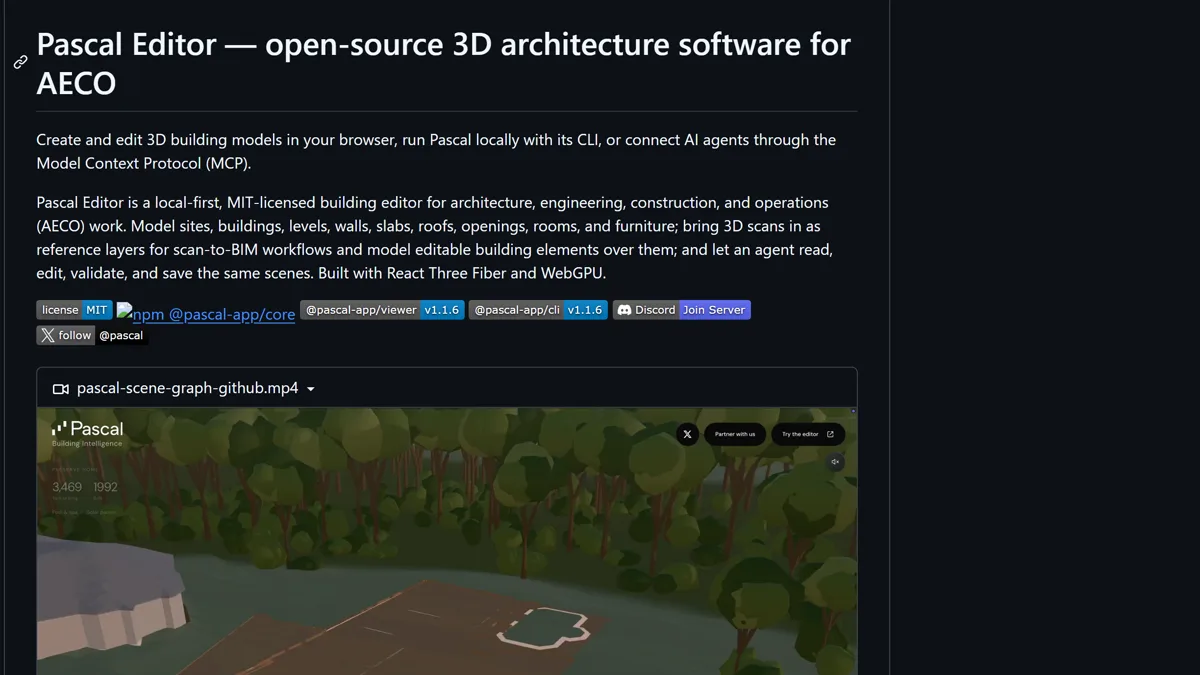
Pascal Editor: a free, open-source (MIT) 3D building editor with an MCP server, so Claude Code, Cursor or Codex can build walls, doors, windows, roofs, stairs and furniture from a description or a floor plan, then check and save the model. Runs locally with no account.

ahujasid/mcp-for-blender
Community plugin to control Blender 3D with any LLM of your choice. Not affiliated with the official Blender Foundation.

sbroenne/mcp-server-excel
Automate real Microsoft Excel with AI via MCP Server or CLI — Power Query, DAX, VBA, PivotTables, charts, and 326 operations.
hetpatel-11/Adobe_Premiere_Pro_MCP
Adobe Premiere Pro MCP. Tools for AI-driven video editing via MCP, for Codex, Claude, and other MCP clients.