
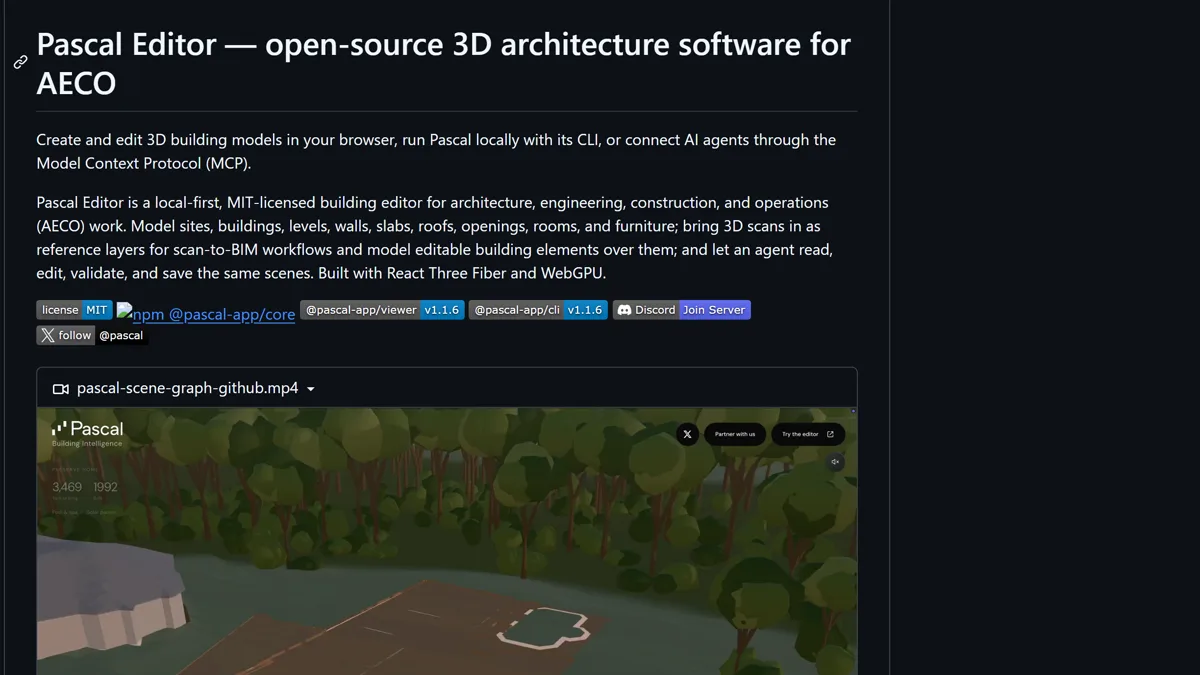
What it is
Pascal Editor is a local-first building editor for architecture, engineering, construction and operations work. It models sites, buildings, levels, walls, slabs, roofs, openings, rooms and furniture, and it can bring 3D scans in as reference layers. It runs in the browser, locally through its CLI, or self-hosted as one Docker container. The AI part is its MCP server. In local mode the CLI runs the service on your machine and keeps projects in ~/.pascal/data/pascal.db; nothing is uploaded and no Pascal account or API key is needed. An agent gets semantic tools such as create_room, add_door, add_window, create_stair, create_roof, furnish_room and paint, plus verify_scene and save_scene, and it returns a link to open the project in the editor. The maker's own guidance is clear about the limits: a floor plan, sketch or photo informs a draft the person checks, not a measured survey, and Pascal is not the tool for structural sign-off, permit drawings, building-code compliance or cost estimates. It has no pipes, ducts or clash detection. IFC files can be imported through @pascal-app/ifc-converter.
Who it's for
- Architects and designers who want a quick 3D draft from a plan
- Claude Code, Cursor or Codex users who want their agent to model in 3D
- Developers who want an open-source building editor or viewer to embed
Requirements
Requirements
- Node.js 22.13 or newer (the README asks 22.23.4+, 24.22.1+ or 26.12.1+)
- macOS for the CLI: Linux and Windows aren't verified yet (Linux servers can use the Docker image)
- An MCP client such as Claude Code
- A modern browser for the editor (it is built on React Three Fiber and WebGPU)
Setup
Install the CLI
npm install --global @pascal-app/cli, or run npx @pascal-app/cli editor to start the editor and the local MCP service in the background.
Connect Claude Code
Run pascal mcp setup claude. It registers the local server with claude mcp add. Or install the plugin with /plugin marketplace add pascalorg/editor and /plugin install pascal-agent-skills@pascal. Use one or the other, not both.
Build from your plan
Ask Claude to build the floor plan in 3D and attach the image. It creates the rooms, doors, windows and roof, runs verify_scene, saves, and returns the editor link.
Check it by hand
Open the link, compare sizes with your real drawing and fix what is off. Treat it as a draft, not a survey.
Examples
Local setup for Claude Code
Codenpm install --global @pascal-app/cli
pascal mcp setup claude
pascal mcp statusPros & cons
Pros
- Pro:Free and open source (MIT), with a large community (25k+ stars)
- Pro:Local mode: no account, no API key, nothing uploaded
- Pro:Semantic MCP tools plus a scene check, so the agent builds real walls and openings
- Pro:Works with Claude Code, Cursor, Codex and other MCP clients
Cons
- Con:A model from a plan is a draft to check, not a measured survey
- Con:No pipes, ducts, structure analysis or clash detection; not for permits or structural sign-off
- Con:The CLI is only verified on macOS so far
- Con:Hosted MCP and AI features (Architect, renders, site data) cost credits; the Architect plugin needs Pascal Pro ($100 per seat per month)
- Con:One active agent client per local service; the open-source MCP server has no GLB export
Related

goodnight000/api-anything
Turn any website into an API your agent can call. Learns from the site's own frontend, heals itself when the site changes.


ahujasid/mcp-for-blender
Community plugin to control Blender 3D with any LLM of your choice. Not affiliated with the official Blender Foundation.

sbroenne/mcp-server-excel
Automate real Microsoft Excel with AI via MCP Server or CLI — Power Query, DAX, VBA, PivotTables, charts, and 326 operations.
hetpatel-11/Adobe_Premiere_Pro_MCP
Adobe Premiere Pro MCP. Tools for AI-driven video editing via MCP, for Codex, Claude, and other MCP clients.